IBO Player is the recommended IPTV application for MovyTV. It is available on virtually every platform, offering smooth playback with an intuitive user interface.
What is IBO Player?
IBO Player is a premium IPTV media player that supports M3U playlists, Xtream Codes, and remote playlist activation. It is known for its clean interface, reliable playback, and broad device compatibility. MovyTV uses IBO Player exclusively to deliver the best viewing experience.
Supported Devices
- Android phones and tablets (Google Play Store)
- Amazon Fire TV Stick / Fire TV / Fire Cube
- Windows PCs and laptops (Microsoft Store)
- macOS computers (App Store)
- LG Smart TVs (LG Content Store)
- Samsung Smart TVs (Samsung Apps)
- Apple TV, iPhone, iPad (App Store)
How to Install IBO Player on Amazon Firestick
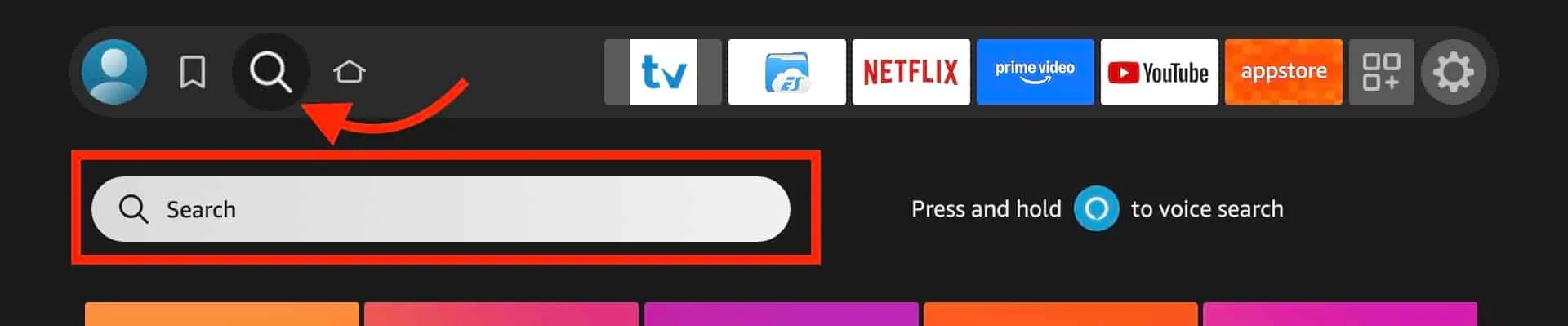
- From your Firestick home screen, go to the Search icon.
- Type "IBO Player" and select the app from results.
- Click "Get" or "Download" to install.
- Open IBO Player. Note your Device ID and Device Key on screen.
- Send these to MovyTV support via WhatsApp or email.
- We activate your playlist remotely. Restart the app to start watching.
How to Install IBO Player on Android
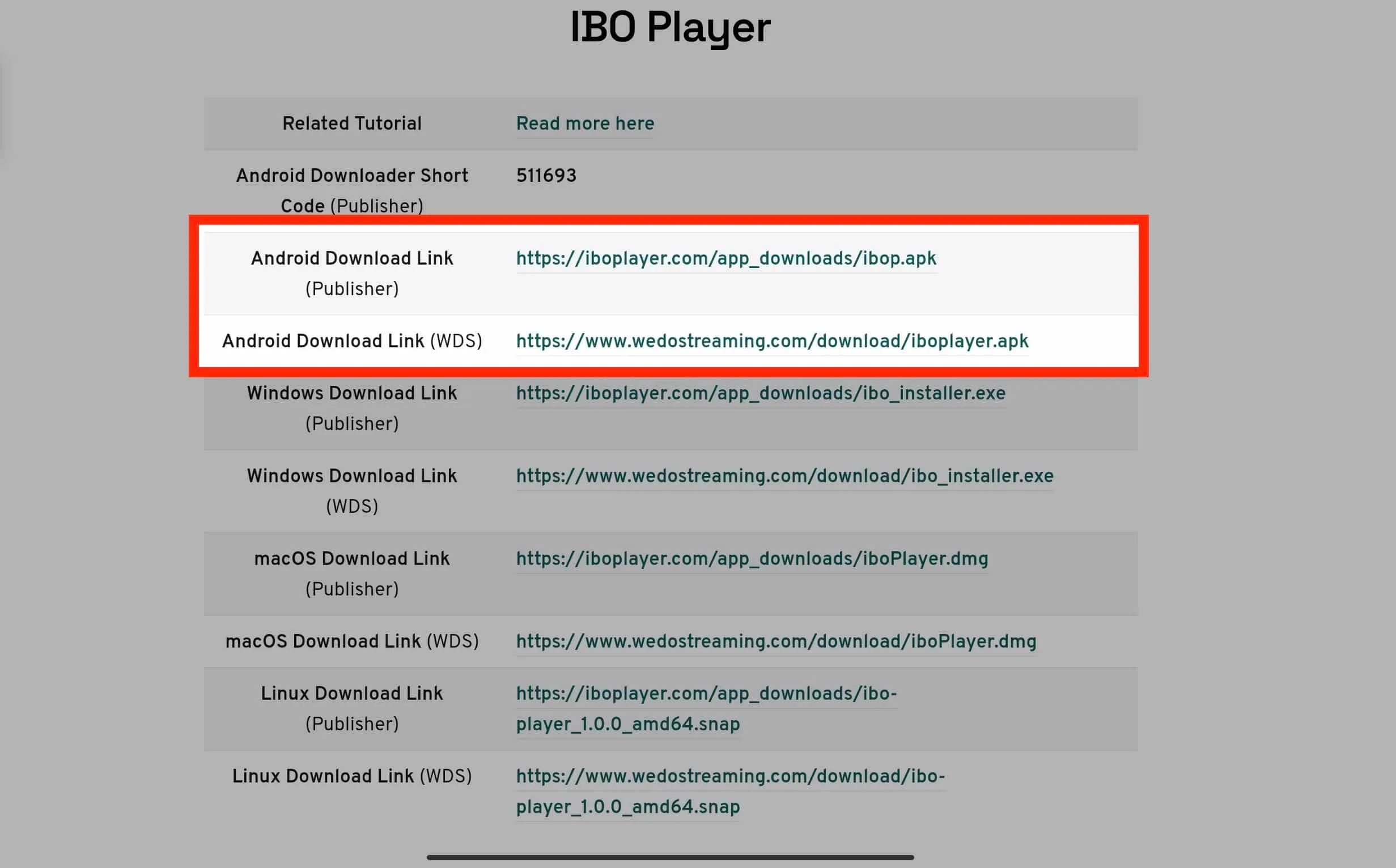
- Open the Google Play Store.
- Search "IBO Player" and install.
- Launch the app and note your Device ID and Device Key.
- Share with MovyTV support for remote activation.
- Restart the app after activation.
How to Install IBO Player on Windows
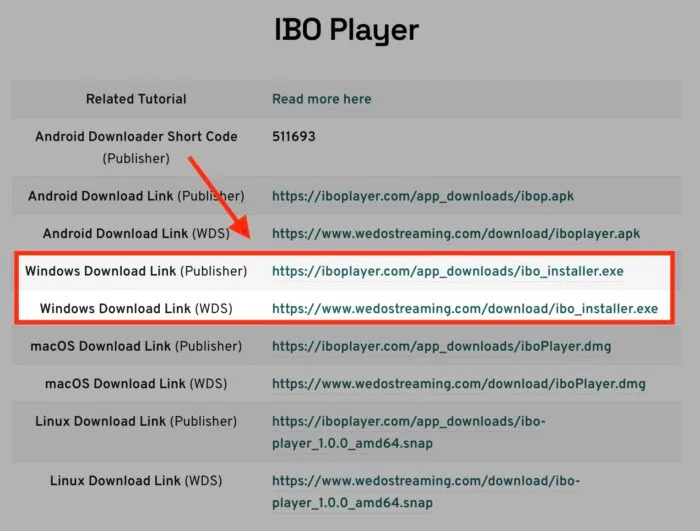
- Open the Microsoft Store.
- Search "IBO Player" and click Install.
- Open the app. Device ID and Key are displayed.
- Provide to MovyTV support for activation.
- Restart to start streaming.
How to Install IBO Player on macOS
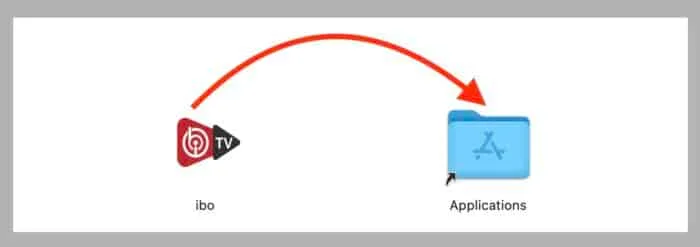
- Open the Mac App Store.
- Search "IBO Player" and click Get.
- Launch and note Device ID and Key.
- Send to MovyTV support for activation.
- Restart and enjoy.
How to Install IBO Player on LG and Samsung TVs
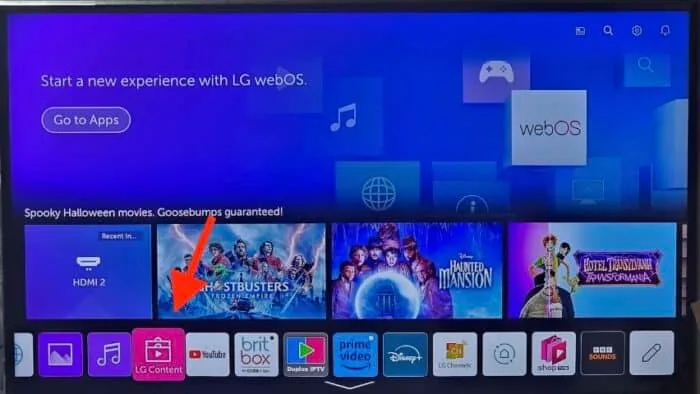
- Open LG Content Store (or Samsung Apps).
- Search "IBO Player".
- Install and open.
- Note Device ID and Key on screen.
- Share with support for activation.
How to Add Your IPTV Playlist
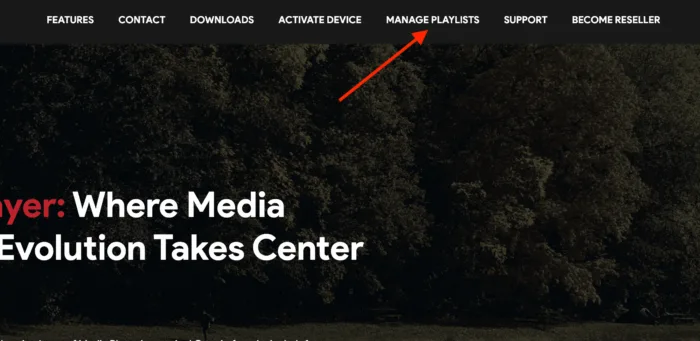
MovyTV uses remote playlist activation. Share your Device ID and Device Key with support, we activate your playlist on our server. Restart the app and your channels load automatically.
Troubleshooting
- Restart IBO Player and your device if channels do not load.
- Ensure at least 10 Mbps internet speed for HD.
- Clear IBO Player cache from Settings for buffering issues.
- Contact support if issues persist (response within 15 minutes).
Need Help?
Support is available 24/7. WhatsApp: +1 (939) 800-3993. Email: [email protected].